
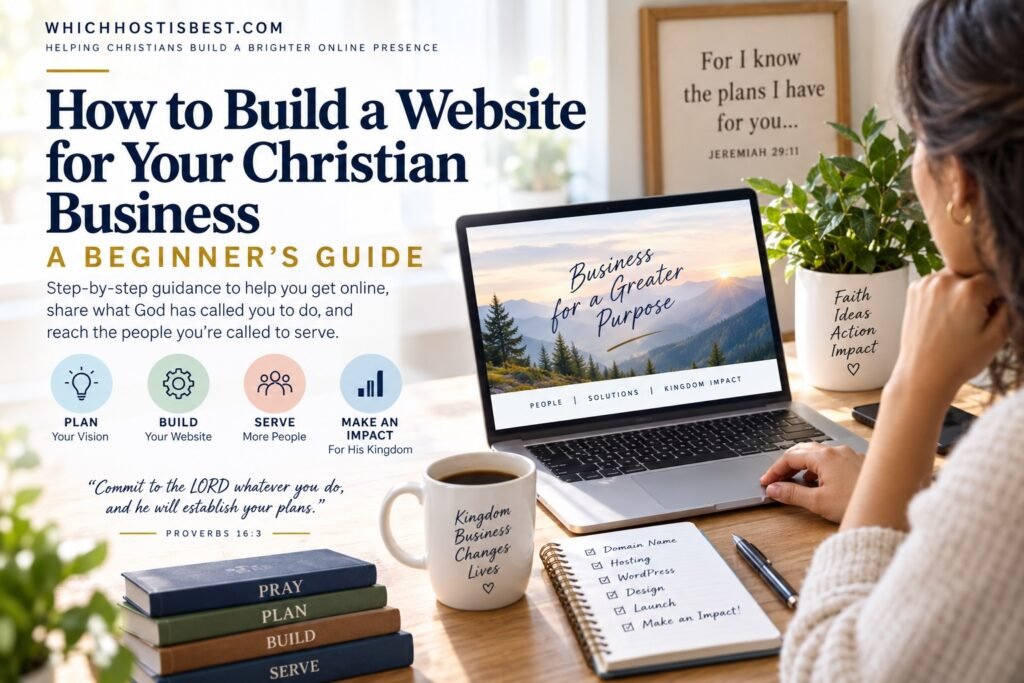
You have an idea for a Christian business. Maybe you have already chosen a name, started planning your services, or even registered the business. Now comes another important question: How do you actually build the website?
If technology is not your strength, that question can make starting your business feel harder than it needs to be.
The good news is that you do not have to be a web developer to establish a professional online presence.
This beginner-friendly guide will walk you through the process step by step—from deciding what your website needs to do, to choosing a domain name, selecting hosting, building the site with WordPress, creating your essential pages, and preparing for launch.
A Christian business website should do more than simply exist online. It should clearly communicate who you serve, what you offer, how people can work with or buy from you, and the values behind the work God has placed in your hands.
“Commit thy works unto the LORD, and thy thoughts shall be established.”
— Proverbs 16:3
In This Guide
1. Decide What Your Christian Business Website Needs to Accomplish
Before buying anything or choosing a website design, start with the purpose of your website. Ask yourself:- Who am I trying to serve?
- What problem does my business help solve?
- What do I want visitors to do after arriving on my website?
- Will I sell products, offer services, schedule appointments, publish articles, collect email subscribers, accept donations, or some combination of these?
Begin with the mission—not the technology. Your website is a tool. First determine what the tool needs to accomplish.
2. Choose Your Domain Name
Your domain name is the address people type into their browser to reach your website. For example: yourbusinessname.com For most businesses, your company or brand name is the natural starting point.A good business domain should generally be:
- Easy to spell
- Easy to remember
- Relatively short
- Closely connected to your business name
- Free of unnecessary numbers or hyphens when possible
Before settling on a business name: check domain availability early. You don’t want to build your identity around a name only to discover later that an appropriate domain is unavailable.
3. Choose Website Hosting
Once you have a domain name, your website needs somewhere to live. This is called web hosting. An easy way to understand the difference is:- Your domain name is your website’s address.
- Your hosting account is the space where the website itself is stored.
- WordPress is the software you can use to build and manage the website.
What should a beginner look for?
- One-click or simple WordPress installation
- SSL security
- Dependable customer support
- Regular backups
- Good website speed
- A control panel that beginners can understand
- Room to grow
Need Help Choosing Website Hosting?
You don’t have to compare dozens of hosting companies by yourself. WhichHostIsBest.com provides beginner-friendly hosting guidance to help Christians choose an option that fits what they are building. Compare Website Hosting OptionsSome hosting links on WhichHostIsBest.com may be affiliate links. If you purchase through one of these links, we may receive a commission at no additional cost to you. Recommendations should always be evaluated based on the needs of your website.
4. Install WordPress
WordPress is one of the most widely used systems for building websites, and many hosting companies make installation simple. Once your domain and hosting are connected, your hosting dashboard may give you an option such as: Install WordPress You’ll normally choose your website name, create an administrator username and password, and then WordPress will be installed for you. After installation, you’ll receive access to your WordPress dashboard. This is the private area where you manage your website. From there you can:- Create pages
- Publish articles
- Upload images
- Change your website’s appearance
- Add features through plugins
- Manage menus
- Update your site
Security tip: use a strong, unique administrator password and keep both WordPress and your plugins updated.
5. Choose a Simple, Professional Design
New business owners sometimes spend too much time trying to make their first website perfect. You don’t need perfection. You need clarity. A simple professional website that clearly explains your business is far more useful than an elaborate website that takes six months to launch.Keep your first design focused on:
- Easy-to-read text
- Simple navigation
- Professional images
- Mobile-friendly design
- Clear calls to action
- Consistent fonts and colors
6. Create the Essential Pages
Every business is different, but most Christian business websites can begin with a relatively small group of important pages.Home Page
Your home page should quickly answer three questions:- Who do you help?
- What do you help them with?
- What should they do next?
About Page
Tell visitors who you are, why the business exists, and what qualifies you to serve them. For a Christian business, you may also choose to explain how your faith influences the way you conduct your work—but it should be genuine rather than forced.Services or Products Page
Clearly explain what you offer. A potential customer should not have to search your entire website to figure out how your business can help them.Contact Page
Provide an easy way for visitors to reach you. This may include a contact form, professional email address, telephone number, business address when appropriate, or links to relevant social-media accounts.Privacy Policy
If you’re collecting information through forms, analytics, email subscriptions, ecommerce systems, or other tools, appropriate privacy disclosures are important.Optional Pages
Depending on your business, you may eventually add:- Blog or Resources
- Testimonials
- Frequently Asked Questions
- Booking or Consultation
- Shop
- Portfolio
- Giving or Ministry Impact
- Statement of Faith or Values
7. Set Up a Professional Business Email Address
Once you own your domain, consider using an email address connected to it. For example: hello@yourbusiness.com rather than relying exclusively on a personal Gmail, Yahoo, or other consumer email address. A domain-based email can help your business appear more established and makes your website and email identity consistent. Your hosting provider may include email accounts, or you may choose a dedicated business-email service.8. Add Only the Tools Your Website Actually Needs
WordPress plugins allow you to add features to your website. But more plugins are not necessarily better. A new business website may need tools for things such as:- Security
- Website backups
- Search engine optimization
- Contact forms
- Spam protection
- Website performance
- Email signup forms
- Appointment scheduling
- Online payments or ecommerce
Keep it simple. Every additional tool creates something else that may require updates, maintenance, troubleshooting, or expense.
9. Check Everything and Launch Your Website
Before announcing your website, go through it as though you were a first-time visitor.Website Launch Checklist
- ✓ Does the website work properly on a phone?
- ✓ Does every menu link work?
- ✓ Are there spelling or grammar mistakes?
- ✓ Do your contact forms work?
- ✓ Is your telephone number correct?
- ✓ Is your email address correct?
- ✓ Are your services or products clearly explained?
- ✓ Does every important page tell visitors what to do next?
- ✓ Is your SSL certificate working?
- ✓ Have you removed unfinished demo pages and placeholder text?
10. Keep Building After Launch
Launching your website is not the end of the process. As your Christian business develops, your website should develop with it. You may eventually:- Add helpful articles and resources
- Build an email list
- Create landing pages
- Add testimonials and case studies
- Improve your search-engine visibility
- Add products or services
- Improve website speed
- Update older content
- Expand into new areas of ministry or business
Interested in Business as Mission?
Some Christian entrepreneurs are called to use business not only to earn a living, but also as part of their mission to serve others and advance the gospel. If you are interested in learning more about Business as Mission (BAM)—particularly using business and entrepreneurship for Christian mission across cultures—BAM360 provides free training, tools, and resources for Christian entrepreneurs exploring this path. Learn More About Business as Mission at BAM360Your Business Has a Purpose—Give People a Way to Find It
For a Christian entrepreneur, building a website isn’t about simply following a digital trend. It’s about creating a place where the people you’re called to serve can find you, understand what you offer, and take the next step. Your website may become the place where someone discovers your services, reads something that encourages them, purchases a product that helps their family, learns about a mission you’re supporting, or encounters a business being conducted with integrity because its owner desires to honor Christ. You don’t need to know everything before you begin. Start with the purpose God has placed before you. Build the website one step at a time. Improve it as you grow.“And whatsoever ye do, do it heartily, as to the Lord, and not unto men.”
— Colossians 3:23